Request a demo

See FrontDesk
on your rooms.

Share the hotel, the city, and a room count. FrontDesk replies with a walkthrough. The call uses your property, not a sample hotel.

  • The desk, the bill, and the close of day
  • A quote, if you want one, in the same conversation
  • This form does not create a login

What we openAfter you send itCall instead

For your property

Request a demo

Hotel, city, rooms, and a phone number. Add a message if the call should cover something specific.

Already using FrontDesk? Log in

On the call

Three parts of the product.

Your rooms, your rates, and your users. Not a slide of someone else’s hotel.

Occupied Vacant Dirty

The desk

Arrivals still due, a check-in, and which rooms are occupied, vacant, or dirty.

Reservations

The bill

The guest record and the company account, kept apart, on the same stay.

Company billing

The close

Night audit closes the day the reservations were made in.

Night audit

After you send it

What happens next.

A reply, a time, and a walkthrough of your hotel.

  1. 01

    The form reaches the team

    Name, hotel, city, rooms, and a phone number. A message if you added one.

  2. 02

    Someone replies to set a time

    By phone or email, whichever you gave.

  3. 03

    The walkthrough is your property

    Rooms, a stay, a company bill, and the close of day.

  4. 04

    A price is the same conversation

    A quote for that hotel. It is not a public rate card, and it is not binding until both sides agree in writing.

How a quote is made

Or call

Prefer to talk now.

Local support, available 24/7. The same people who can walk through a night audit or a company invoice.

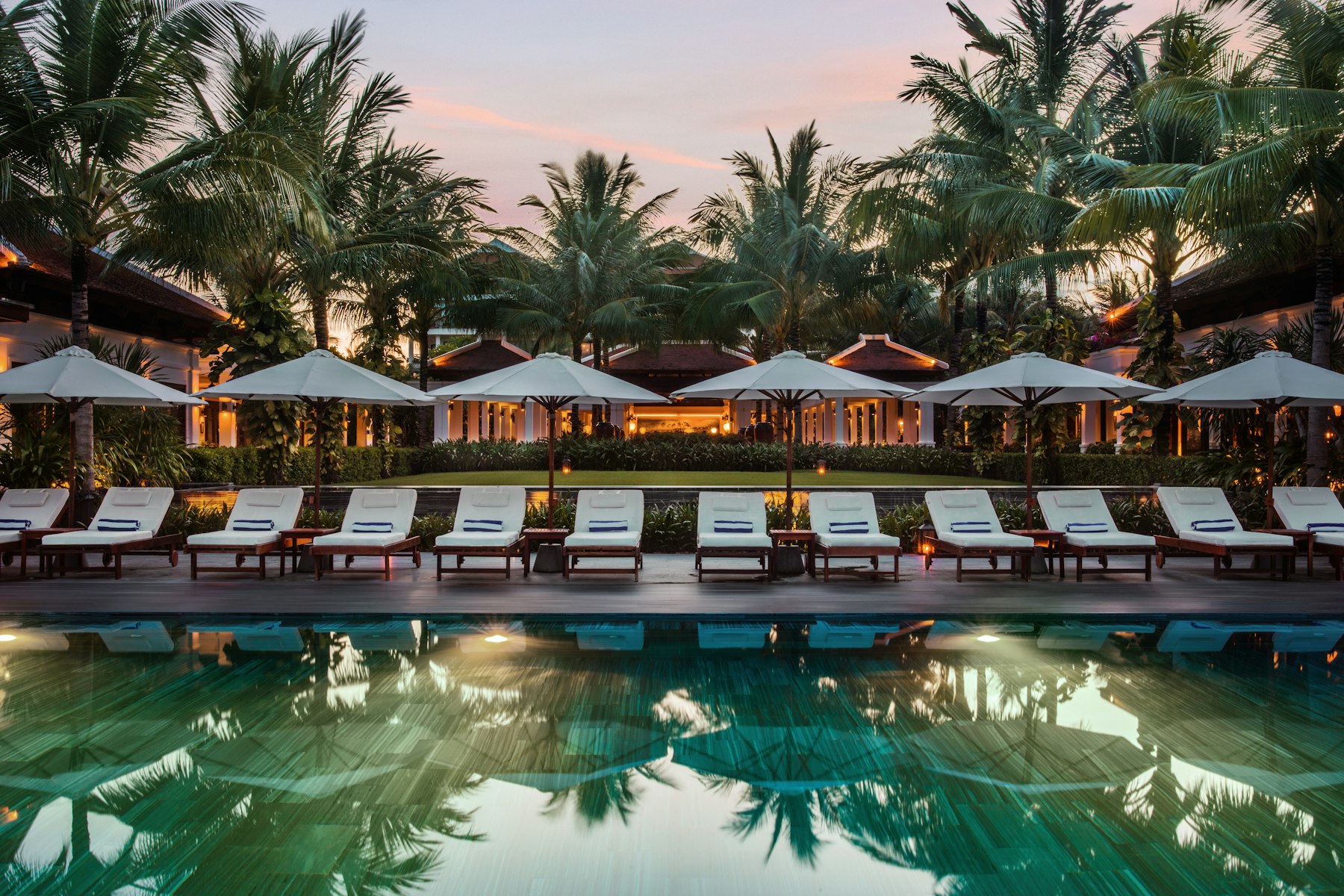
Hotel reception desk
A walkthrough of your rooms

Questions before you send it

What the form does, what the call covers, and how this differs from logging in.

FrontDesk replies about a walkthrough. The call uses your hotel, your city, and your room count.

FrontDesk mark

Request a demo

Hotel name, city, and a room count are enough to start.