House

System

Floors, room types, and rooms are set here, along with tax, payment methods, users, and roles. The other modules use this setup.

Who uses it

The owner or the system administrator.

Example setup for rooms, tax, and roles

Rooms

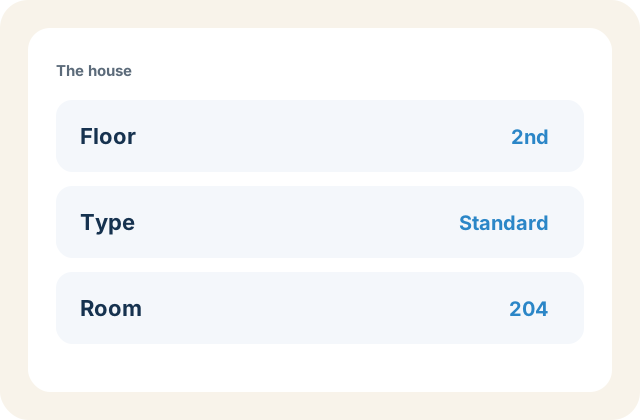
Create a floor, a room type such as standard or deluxe, then the room number on that floor. Reservations choose from this list.

Example floor, room type, and room number
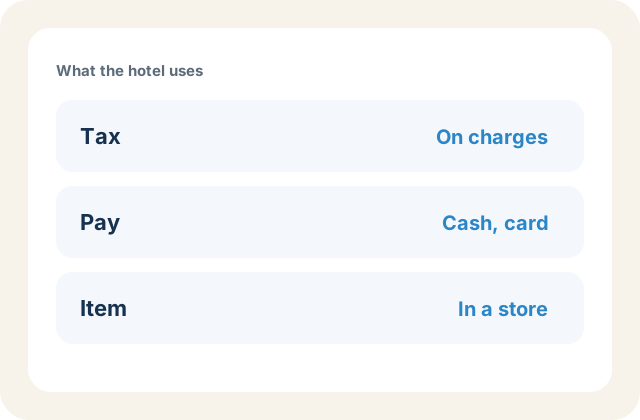
Example tax, payment method, and stock item

Tax, payment, and stock

Tax is applied on charges. Payment method is how a guest or company pays, such as cash, card, or transfer. Item, item unit, item category, and store are created here for Inventory. Account and term sit with the books.

Users, roles, and audit

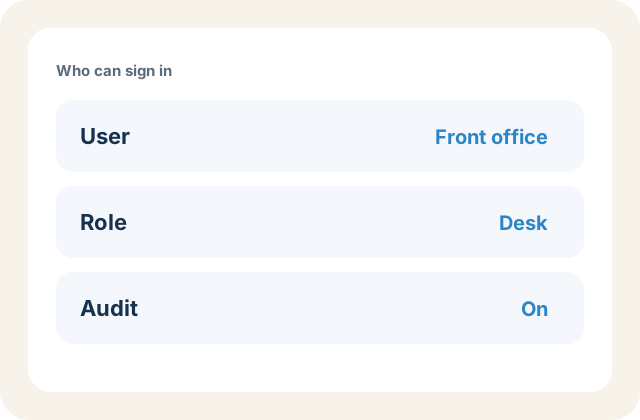
A user is a person who can sign in. A role is the set of permissions that person is given. Audit records changes made in FrontDesk. Setting holds the property options the other modules follow.

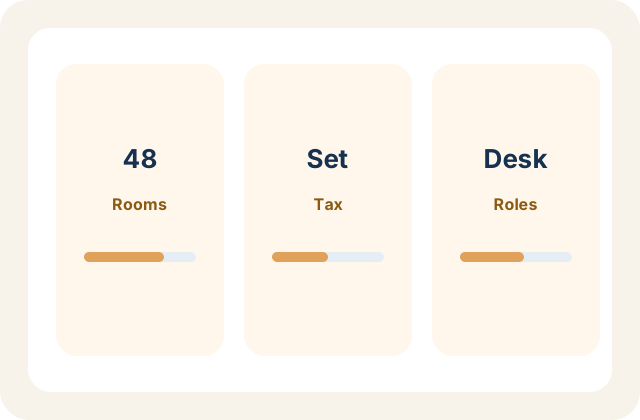
Example user, role, and audit trail

Also in House

Stock, staff, and the setup the hotel runs on.

Hotel reception desk
At the desk

Questions about System

Where the hotel is set up.

Under System: create a floor, a room type, then the room.

FrontDesk mark

Request a demo

Hotel name, city, and a room count are enough to start.